
DeepSeek + LibreChat: Complete Setup Guide
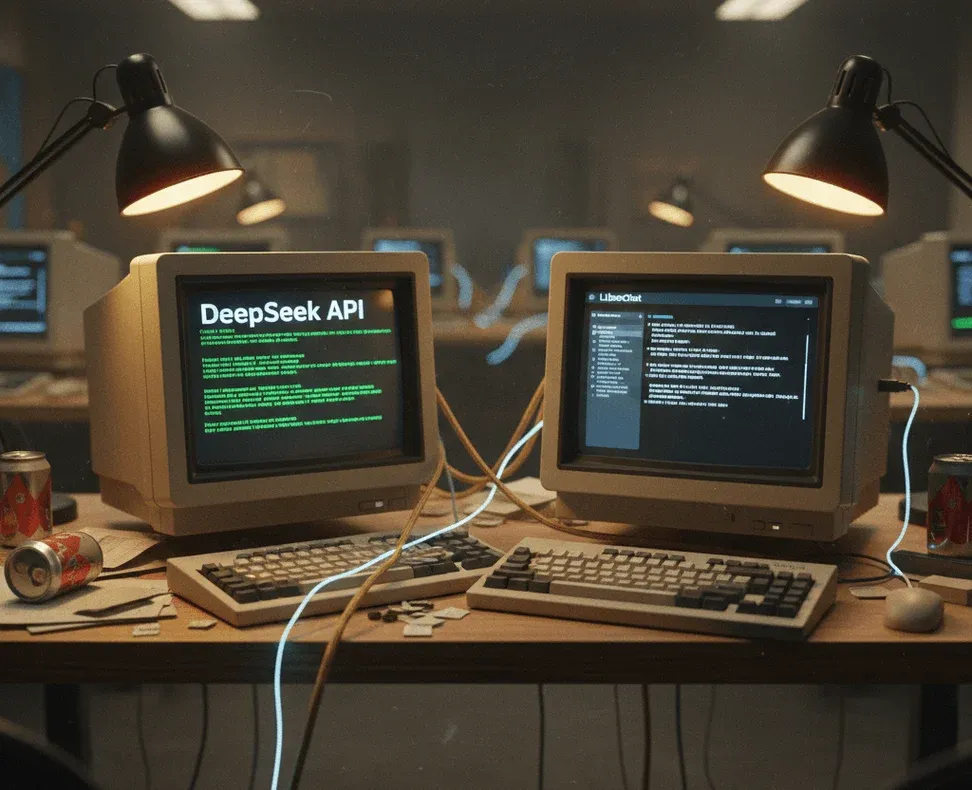
This guide shows you how to add DeepSeek Chat and DeepSeek Reasoner (R1) models to LibreChat.
Works with:
- Coolify Cloud deployments
- LibreChat v1.2.8 or newer
- DeepSeek API key
✅ Step 1 — Get Your DeepSeek API Key
Create one here:
🔗 https://platform.deepseek.com
Copy the key (it starts with sk-).
🔐 Step 2 — SSH Into Your Coolify Server
Open a terminal and run:
ssh your-username@your-server-ip
📁 Step 3 — Find Your LibreChat Folder
Coolify creates random service folders.
Run:
sudo find /data/coolify/services -maxdepth 2 -name ".env"
This will output paths like:
/data/coolify/services/xxxxx123456/.env
The folder containing .env and docker-compose.yml is your LibreChat service folder.
Save that path — we’ll call it:
YOUR_LIBRECHAT_PATH
Example:
/data/coolify/services/xxxxx123456
🧩 Step 4 — Add Your DeepSeek Key to .env
Edit the .env inside your LibreChat path:
sudo nano YOUR_LIBRECHAT_PATH/.env
Add this line at the bottom:
DEEPSEEK_API_KEY="your-real-api-key"
Save and exit:
- CTRL + O → Enter
- CTRL + X
🖥 Step 5 — Create or Update librechat.yaml
Run:
sudo tee YOUR_LIBRECHAT_PATH/librechat.yaml > /dev/null << 'EOF'
version: 1.2.8
cache: true

endpoints:
  custom:
    - name: "Deepseek"
      apiKey: "${DEEPSEEK_API_KEY}"
      baseURL: "<https://api.deepseek.com/v1>"
      models:
        default: ["deepseek-chat", "deepseek-reasoner"]
        fetch: false
      modelDisplayLabel: "Deepseek"
EOF
🔄 Step 6 — Restart LibreChat
Run:
sudo docker compose -f YOUR_LIBRECHAT_PATH/docker-compose.yml down
sudo docker compose -f YOUR_LIBRECHAT_PATH/docker-compose.yml up -d --build
Wait 10–20 seconds.
🎯 Step 7 — Activate in LibreChat
- Open LibreChat in your browser
- Hard refresh (
CTRL+SHIFT+RorCMD+SHIFT+R) - Open the model list
- Search for: DeepSeek
You should now see:
Deepseek
 ├─ deepseek-chat
 └─ deepseek-reasoner (R1)
Select one → start chatting 🚀
🛠 Troubleshooting
| Issue | Fix |
|---|---|
| Deepseek doesn’t show | YAML spacing wrong → redo step 5 |
| Only one model shows | Restart again |
| Unauthorized (401) | Wrong API key or missing quotes |
| UI unchanged | Hard-refresh browser or use incognito |
🧩 Optional Add-Ons
- Make DeepSeek default
- Add OpenRouter, Groq, Mistral, Gemini, Claude
- Add per-user API keys
(If you want, I can generate a separate "multi-provider version.")
🎉 Done!
You now have DeepSeek — including the R1 reasoning model — integrated with LibreChat inside Coolify Cloud.